Quore - QR Code
Product Design & Strategy
Connecting Physical Spaces to Digital Actions
Role
Lead Product Designer
SCOPE
Feature concept and
Product definition
Mobile interaction design
Operational workflow support
Platforms
Mobile App (iOS and Android)
Overview
Quore is used daily by hotel teams responsible for maintaining rooms, shared spaces, and facilities. These teams move constantly through the property while managing inspections, maintenance requests, and service tasks.
Accessing the correct information inside the app often required navigating through several screens before reaching the relevant area or task. This added friction to workflows that needed to happen quickly while teams were physically moving through the building.
This project explored how physical spaces could be directly connected to digital actions inside the product.
Problem
Hotel staff perform most of their work in physical environments such as guest rooms, hallways, meeting spaces, and shared facilities.
However, accessing the right information inside the app required manual navigation through menus and lists. Even when the task was tied to a specific room or location, users had to search or browse before taking action.
This created unnecessary friction for tasks that were meant to be fast and context-driven.
The challenge was to create a way for users to instantly access the right tasks and information based on where they were.
Approach
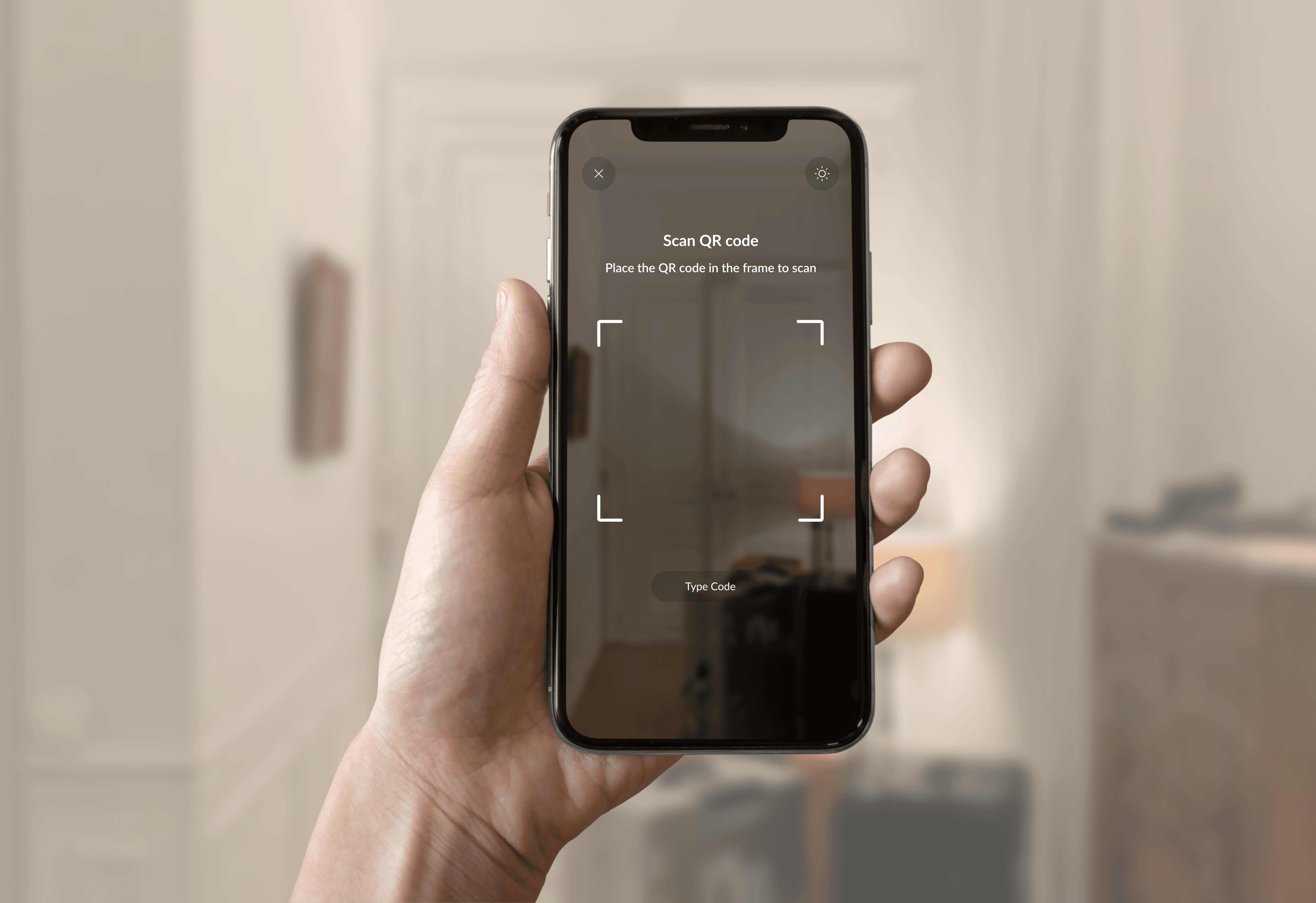
The idea was simple. Allow users to scan a QR code placed in a physical location and immediately see the relevant digital context.
The approach focused on three principles:
Context first
The scan should immediately identify the location and surface the relevant information.
Action oriented
Users should be able to take action without navigating deeper into the app.
Scalable across workflows
The solution needed to support multiple operational tasks such as maintenance, inspections, housekeeping, and service requests.
The goal was to reduce navigation and bring the right actions directly to the user.
Solution
A QR code scanning experience was introduced within the mobile app.
When scanning a code associated with a room or location, the system immediately identifies the area and displays its operational context.
The screen surfaces:
Active work orders
Open service requests
Inspection tasks
Maintenance actions
Actions are grouped into clear categories to reduce cognitive load and help users quickly choose what they need.
This interaction turns a simple scan into a contextual entry point for the operational system.
Outcome and Impact
The QR scanning feature introduced a faster and more intuitive way to access operational tasks.
Teams could move through physical spaces and immediately see what needed attention without navigating through multiple screens.
Key improvements included:
Faster access to area-specific tasks
Reduced navigation within the app
More efficient workflows for teams working on the floor
A flexible system capable of expanding to additional departments and use cases
The feature strengthened the connection between the physical environment of a hotel and the digital tools used to manage it.
Reflection
Operational products must support the realities of how work actually happens.
Hotel teams do not sit at desks navigating software. They move through physical environments while responding to real-time needs.
By linking physical spaces directly to digital actions, the product became more aligned with how teams naturally work. The result was a faster and more intuitive experience that reduced friction during everyday operations.