Quore
Product Design
Scaling a Multi-Product Operational Platform
Role
Lead Product Designer
SCOPE
Design system
Mobile and web features
Platform-wide UI refresh
Platforms
Web
Mobile Web
iOS and Android
Overview
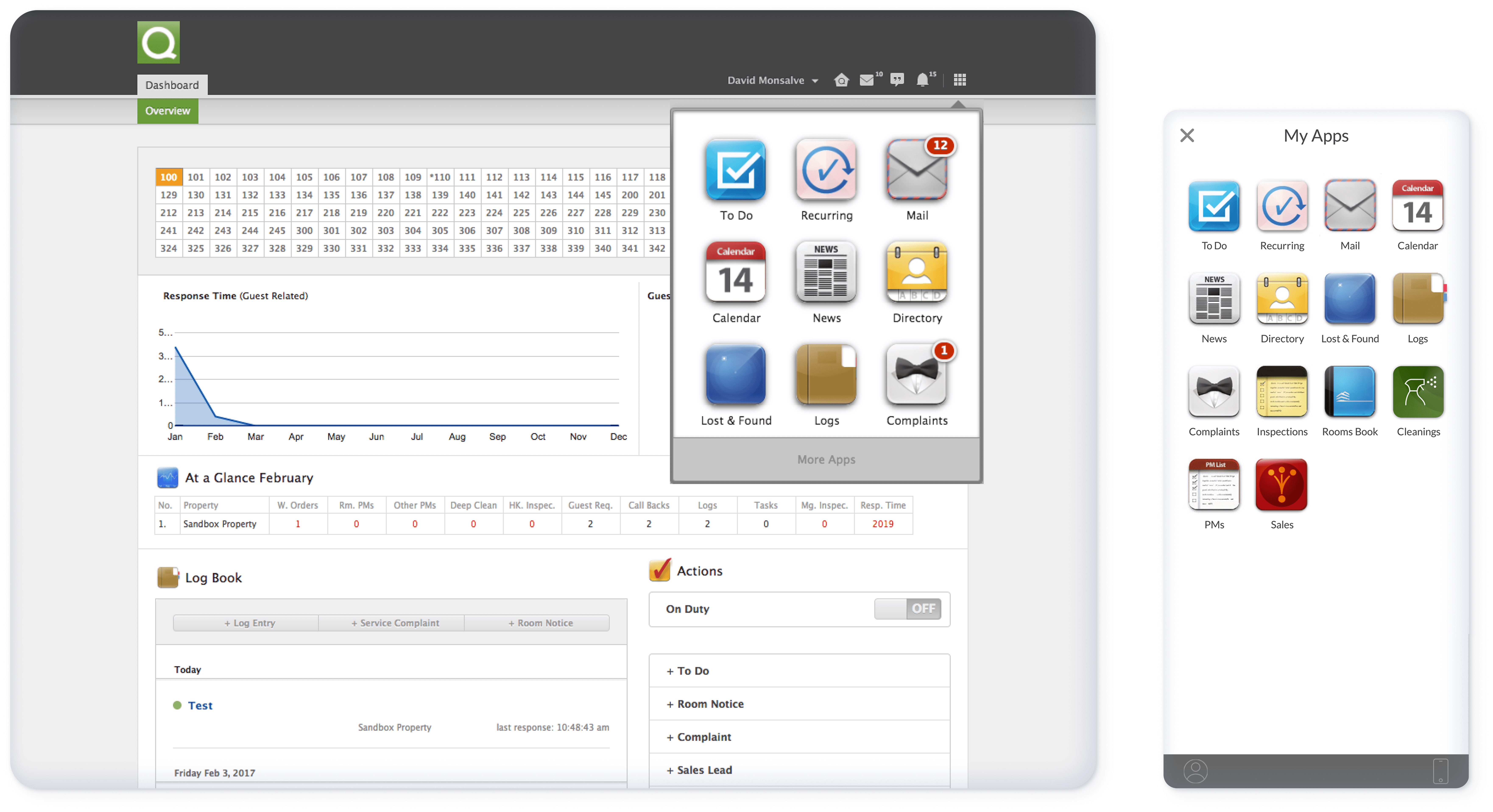
Quore is a multi-product operational platform used by housekeeping, engineering, and management teams across hotels. The ecosystem includes multiple applications operating within a shared environment across web, mobile web, and native shells on iOS and Android.
As the platform expanded, products evolved independently. New features shipped quickly. Teams solved local problems. Over time, patterns diverged, workflows became inconsistent, and mobile usage increased without a unified strategy.
The opportunity was not to redesign a feature. It was to strengthen the foundation of the system itself.
Problem
As the ecosystem grew, fragmentation became increasingly visible:
UI components behaved differently across products
Similar workflows followed different interaction patterns
Desktop-first layouts were forced into mobile contexts
Users switching between apps experienced cognitive friction
Inconsistency slowed both users and internal teams. Without a shared system, scaling new features risked introducing more complexity and reducing predictability across the platform.
The challenge was to introduce alignment without disrupting daily operations for teams performing time-sensitive tasks.
System before surface
Approach
The project started with a system-wide audit of existing components, screens, and flows. From there, the approach was:
Audit & Identify: Map inconsistencies and duplicated patterns
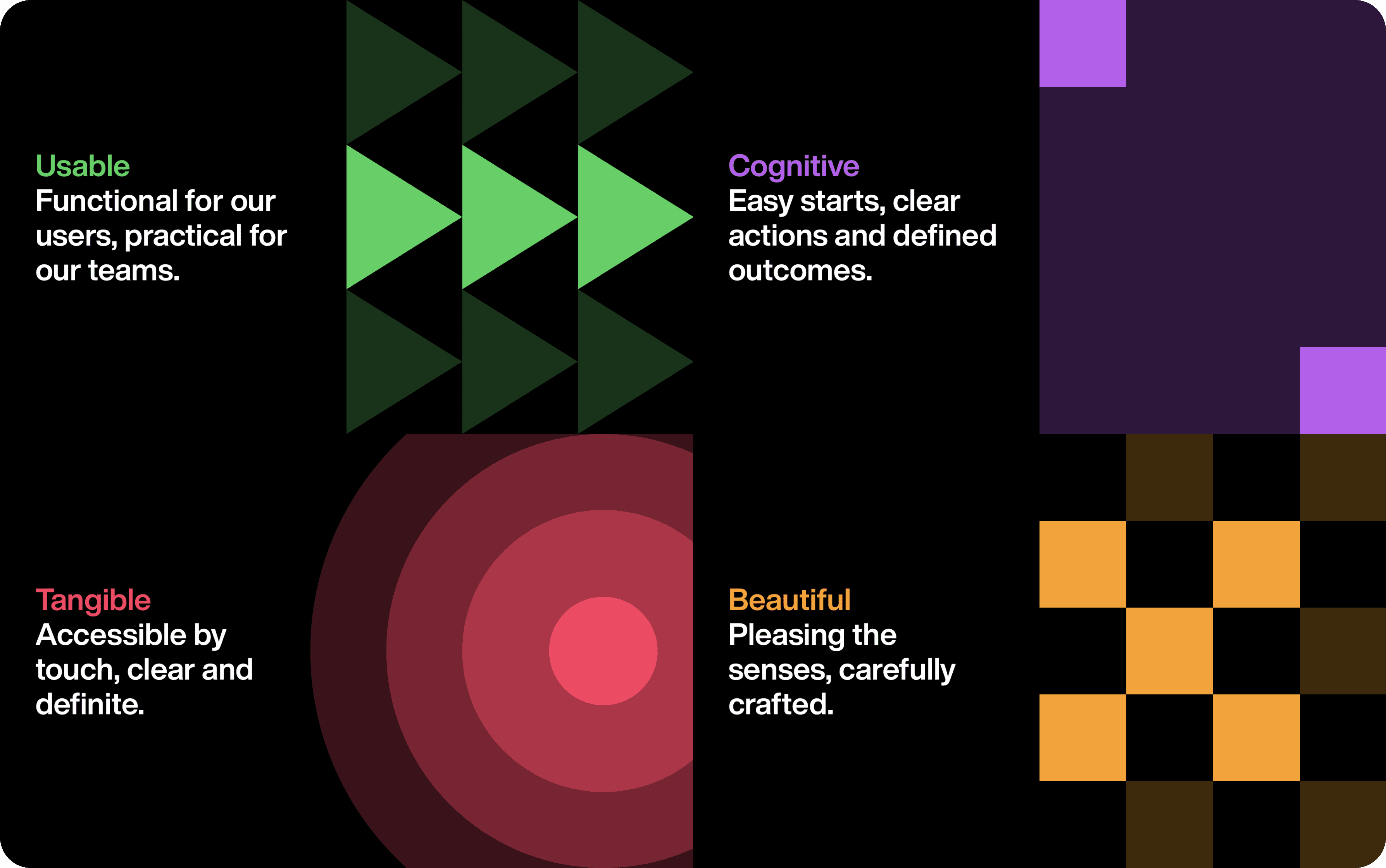
Define Principles: Clarity, consistency, mobile-first, action-priority, scalable by default
Explore Visual Directions: Hierarchy, spacing, typography, and color usage
Incremental Implementation: Embed system updates into active feature work to avoid disruption
Design Principles
Clarity over density - Reduce cognitive load in high-frequency, time-sensitive contexts.
Consistency builds speed - Predictable patterns let users move confidently between apps.
Mobile-first by default - Optimize workflows for on-the-floor usage before desktop refinement.
Action-first - Primary actions are always prominent and easy to access.
Scalable system Components and layouts support future growth without redesign.
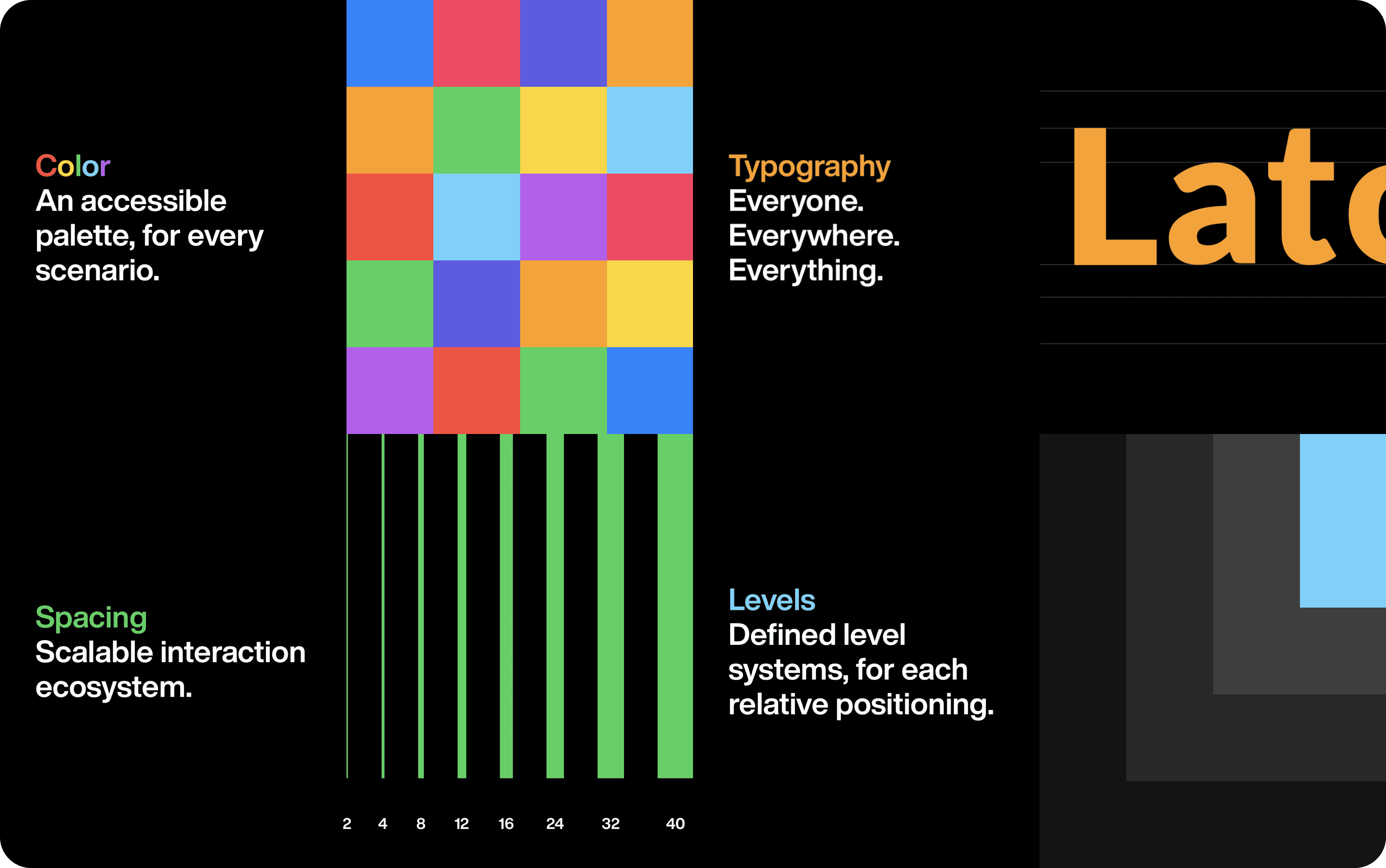
To ensure decisions were intentional and scalable, a core set of principles guided the system
Exploration
Focus was on real operational needs rather than aesthetic overhaul. Every decision reinforced clarity, predictability, and scalability. Before formalizing the system, multiple interface directions were explored to evaluate hierarchy, density, and brand alignment.
Exploration focused on:
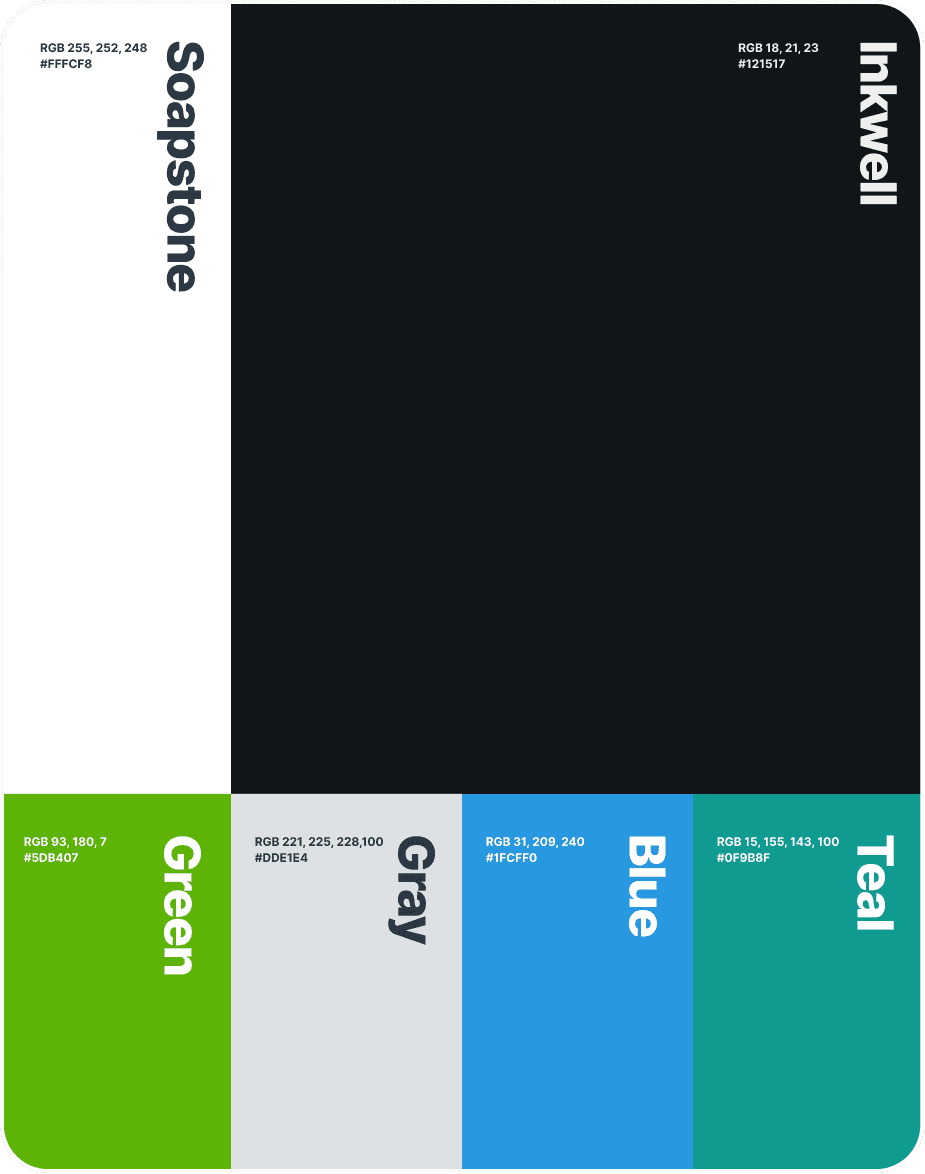
Simplifying color usage to support clearer status communication
Reducing visual noise in data-heavy screens
Establishing consistent spacing and layout rhythm
Defining scalable typography rules across products
Creating a unified navigation structure adaptable to multiple apps
Rather than pursuing a dramatic rebrand, the final direction balanced modernization with operational familiarity. Hotel teams rely on speed and muscle memory. Evolution needed to feel intentional, not disruptive.

Solution
A shared design system was formalized and progressively implemented across the ecosystem.
Core elements included:
Standardized components with defined states and interactions
Unified navigation patterns across apps
Clear spacing, hierarchy, and typography rules
Mobile-first behavior for task-heavy flows
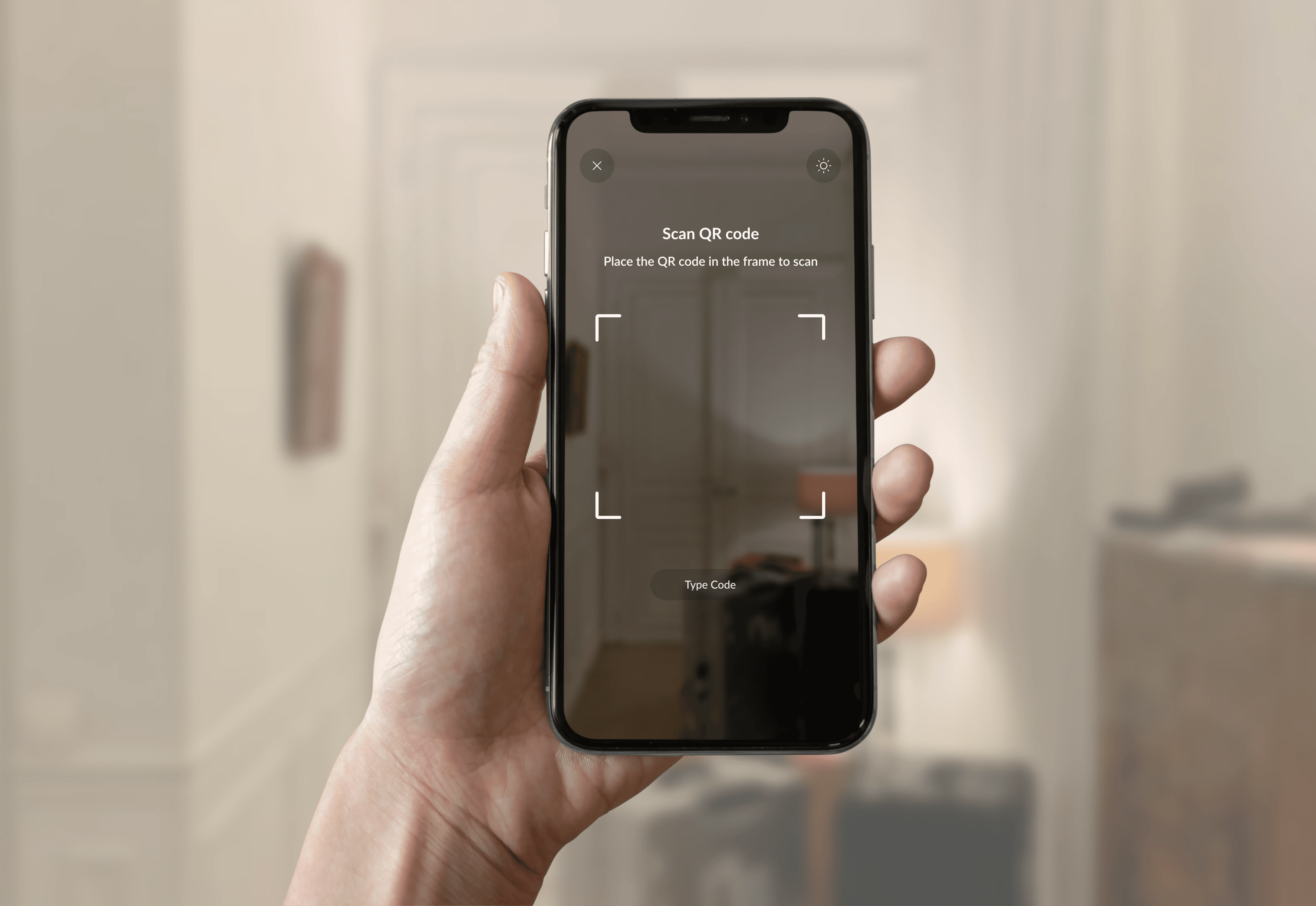
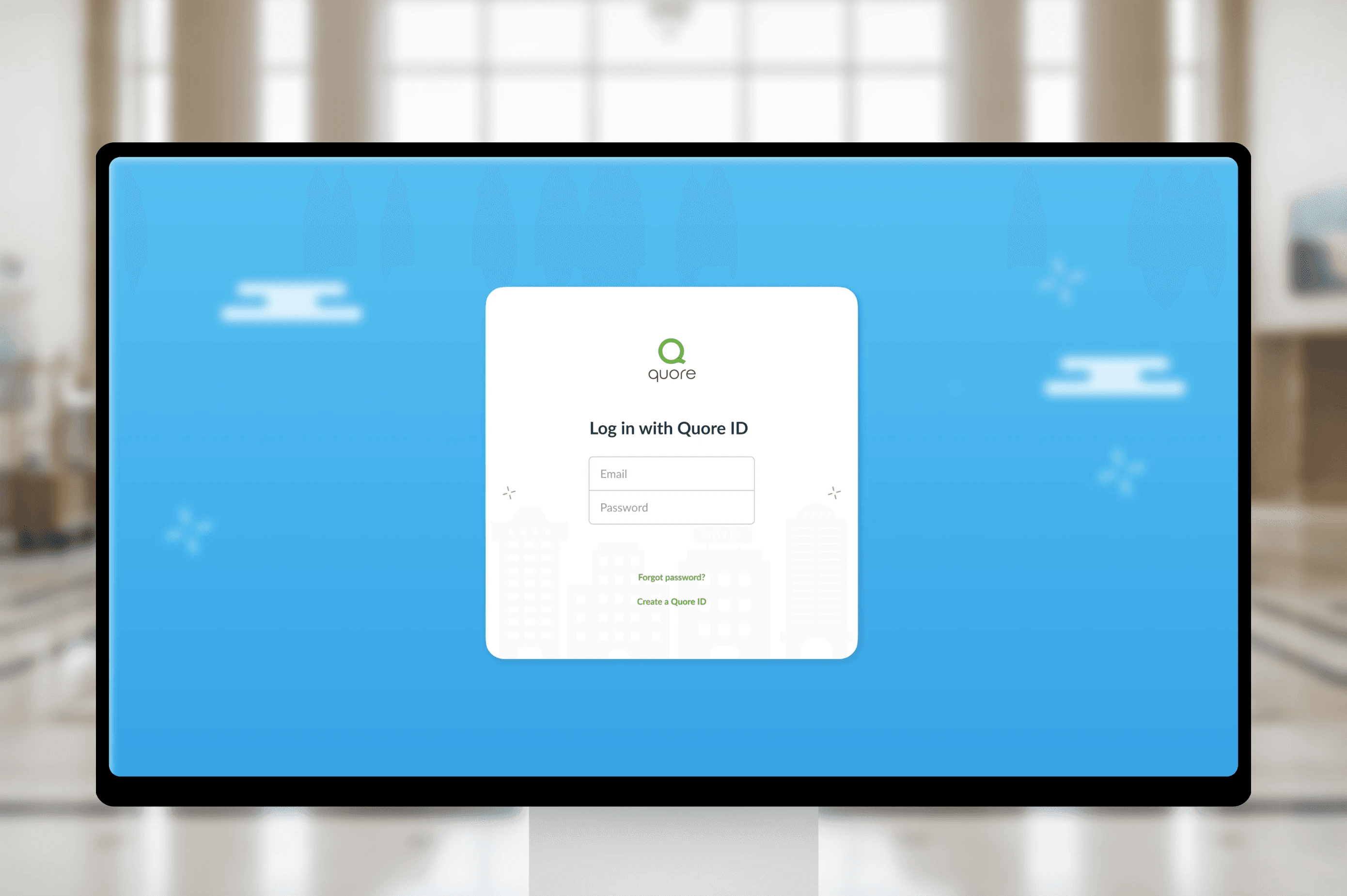
A refined native shell experience including login, navigation, settings, banners, and guided product tours
Rather than launching a dramatic overhaul, the system was embedded into ongoing feature development. Every new initiative reinforced alignment.
New system surface
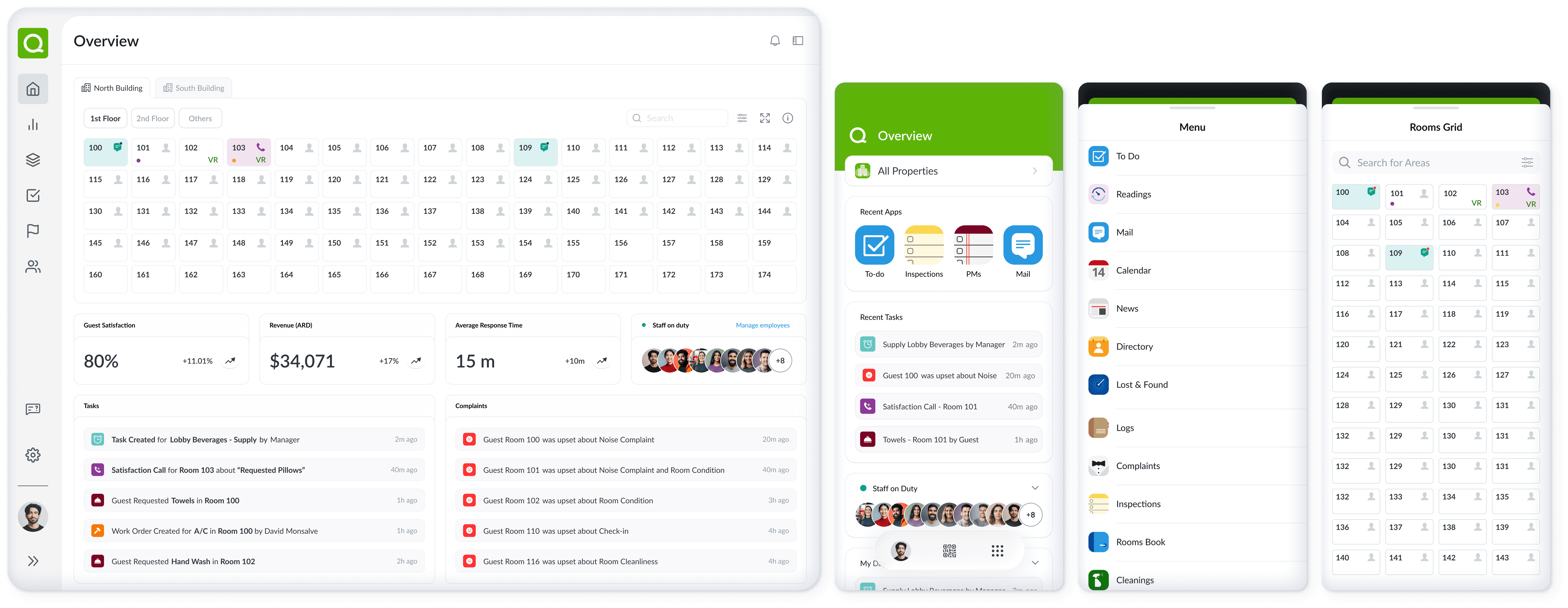
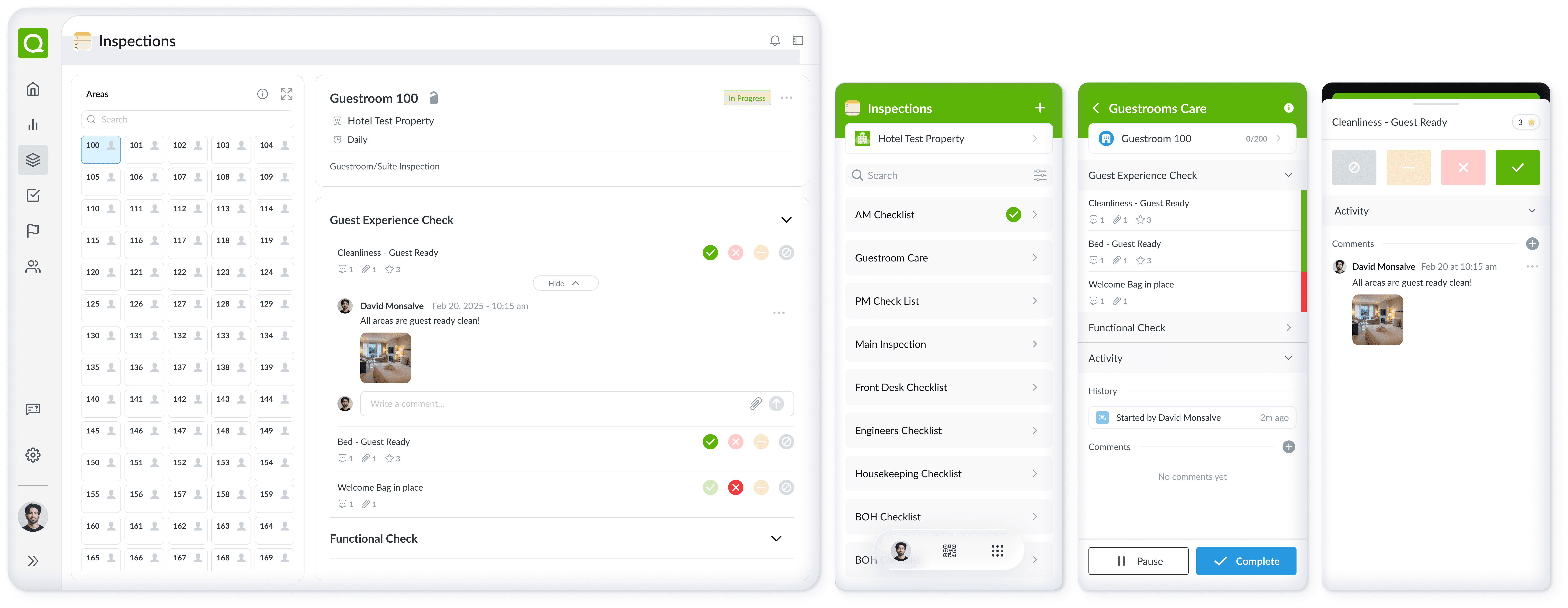
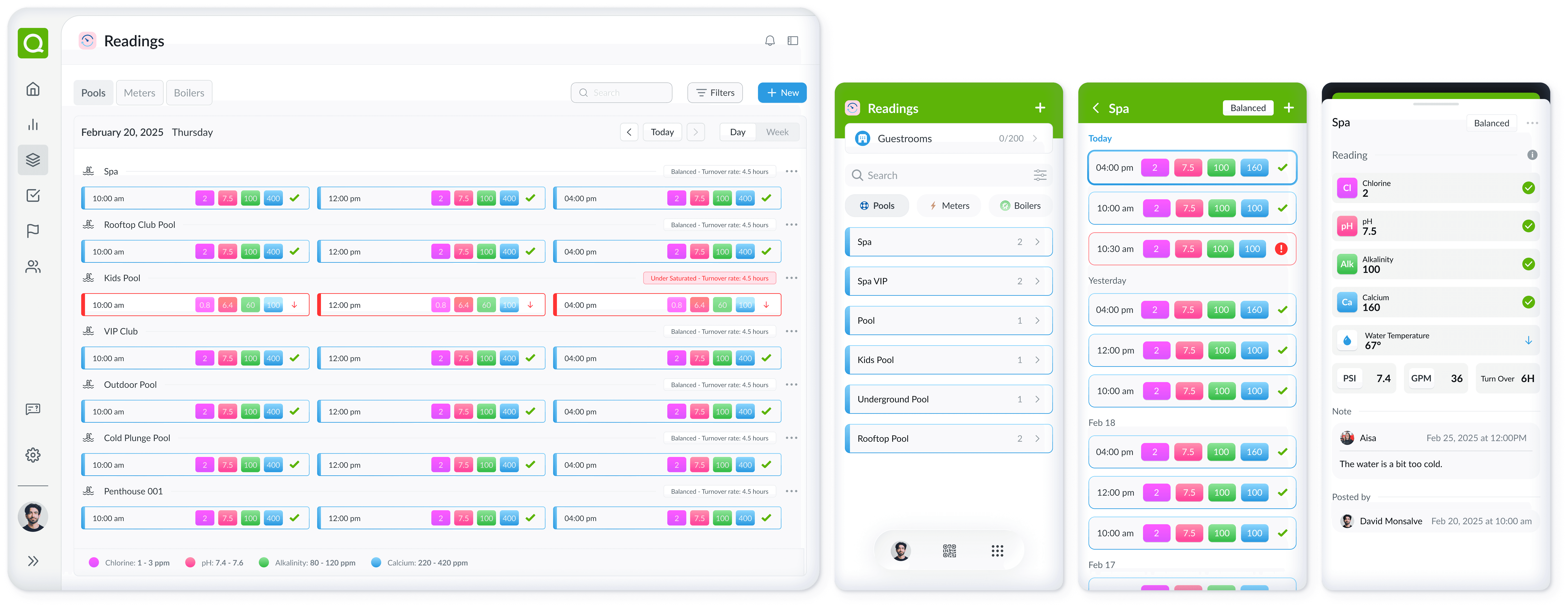
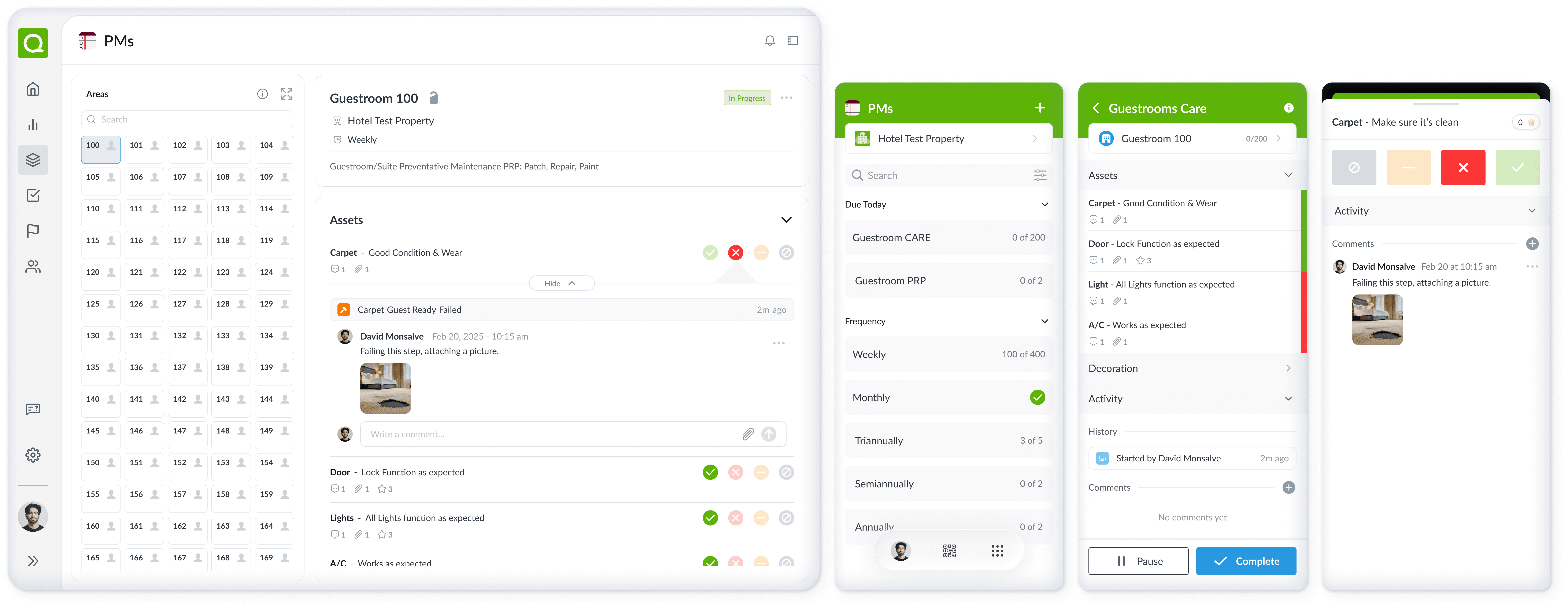
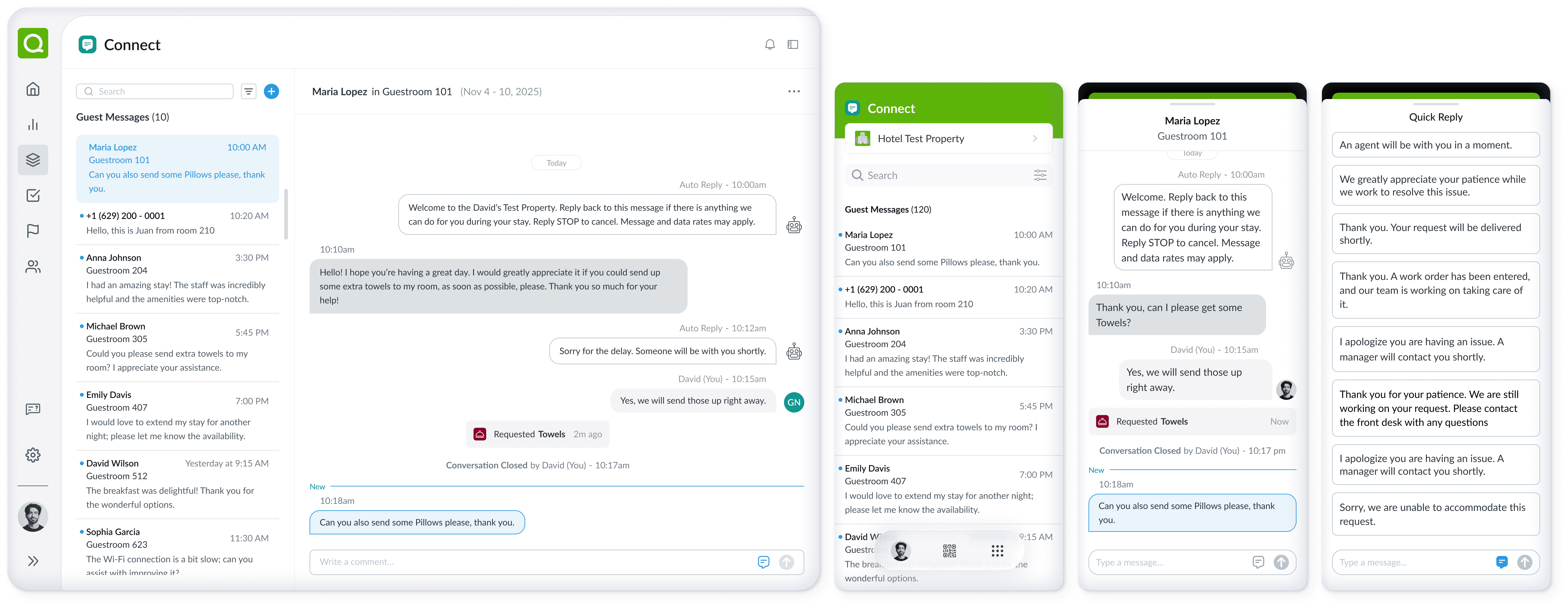
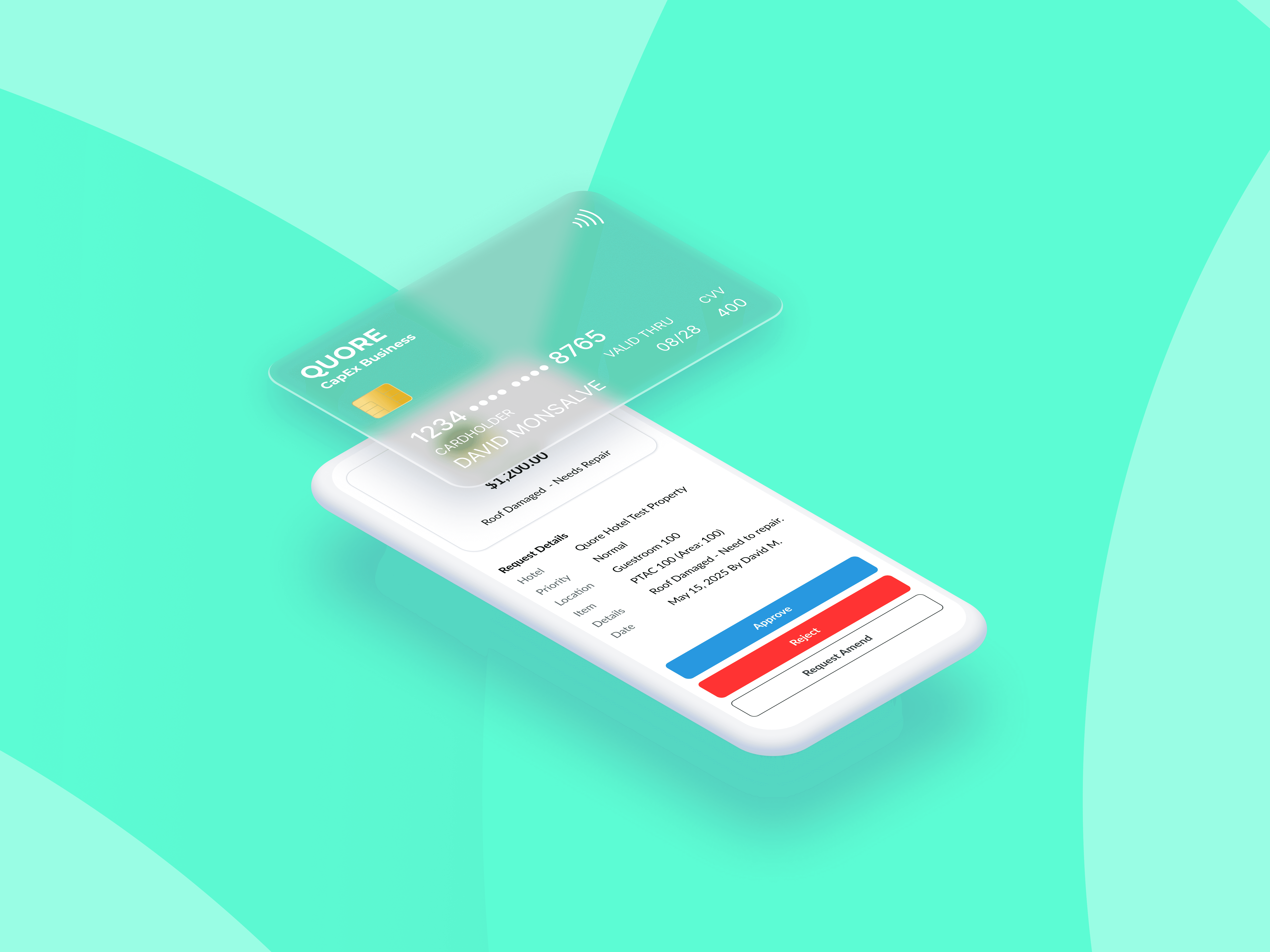
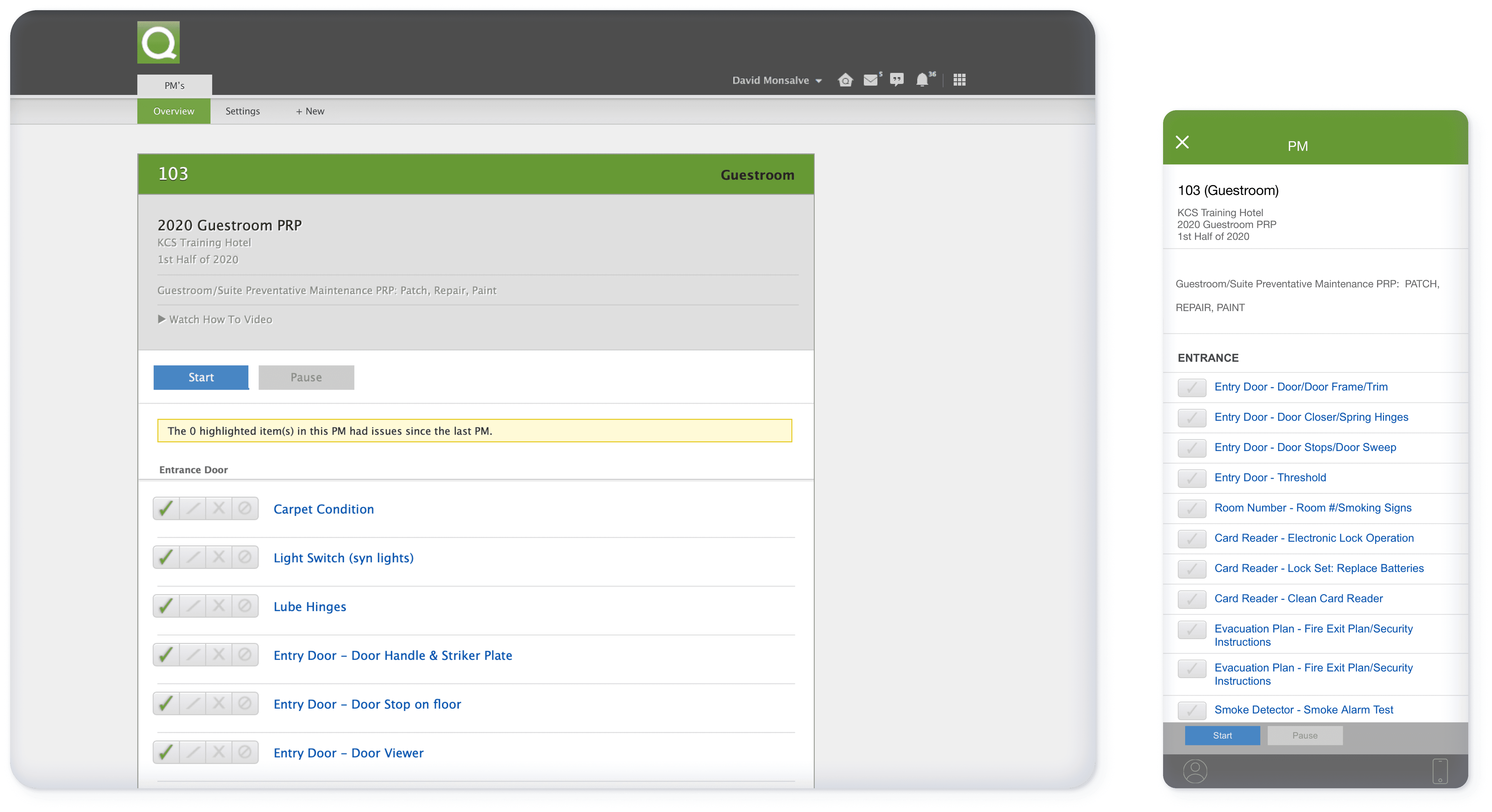
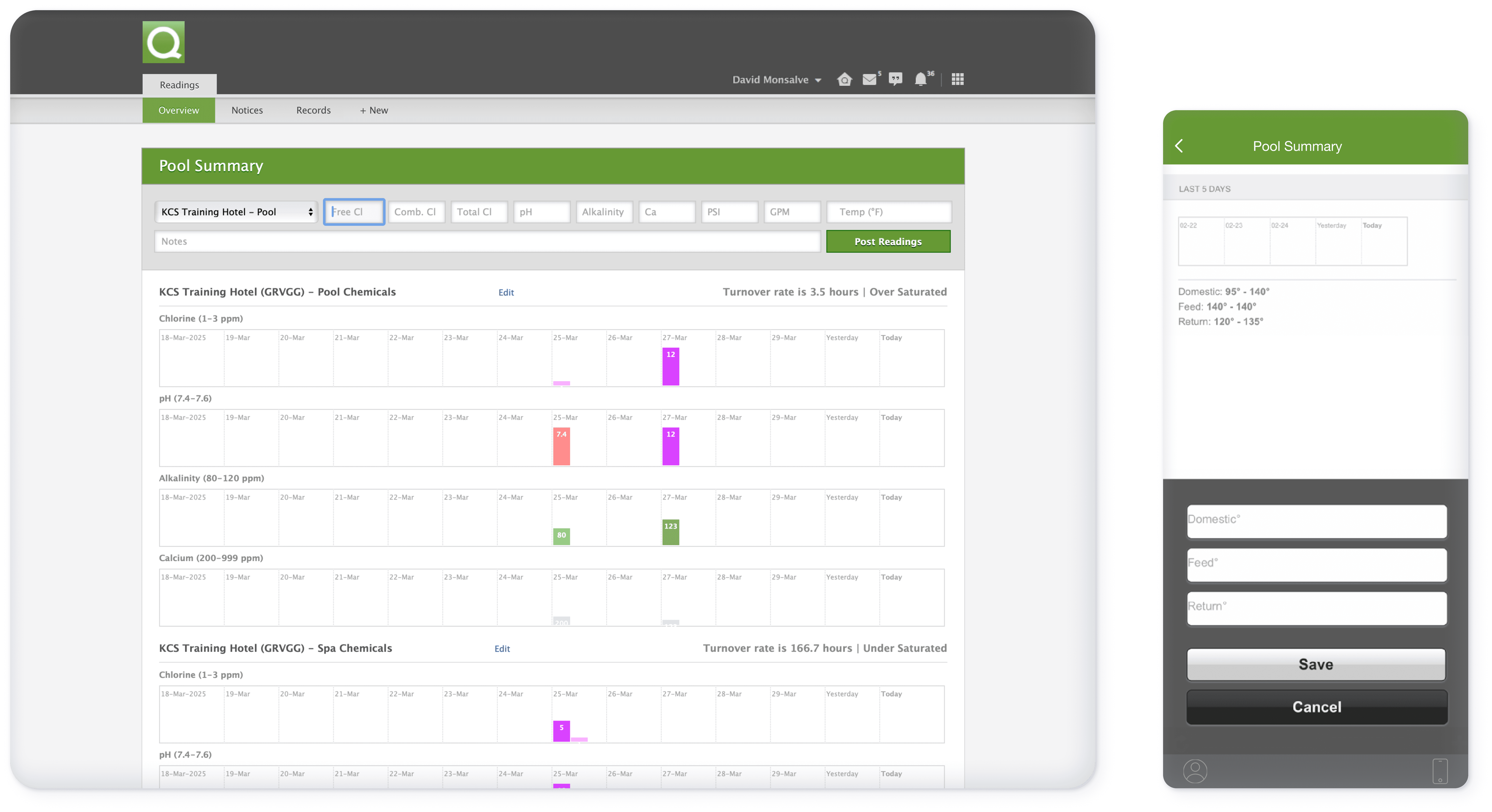
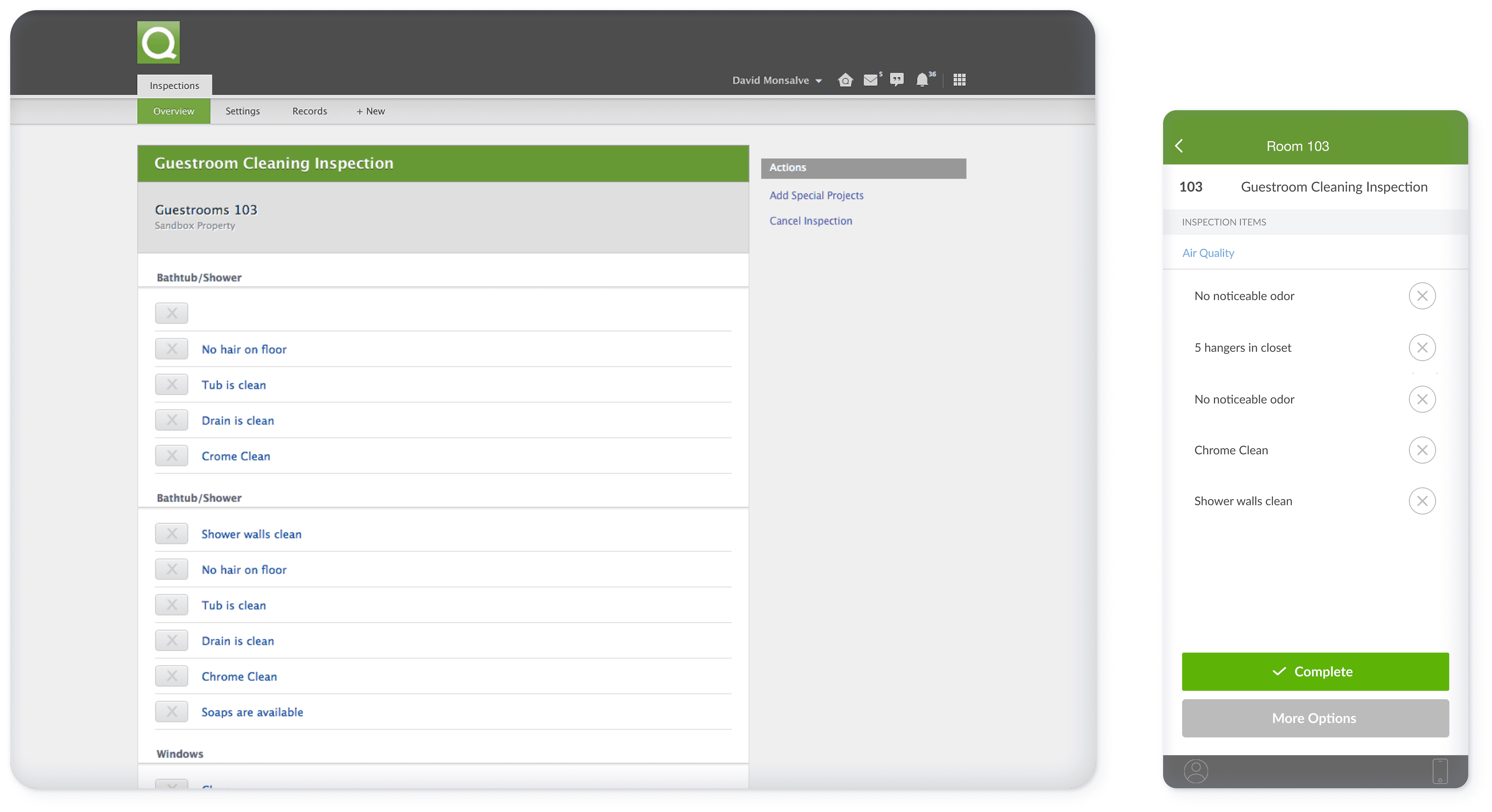
Platform-wide UI Refresh & Feature Enhancements
In parallel with feature development, usability and consistency were improved across Quore’s core apps
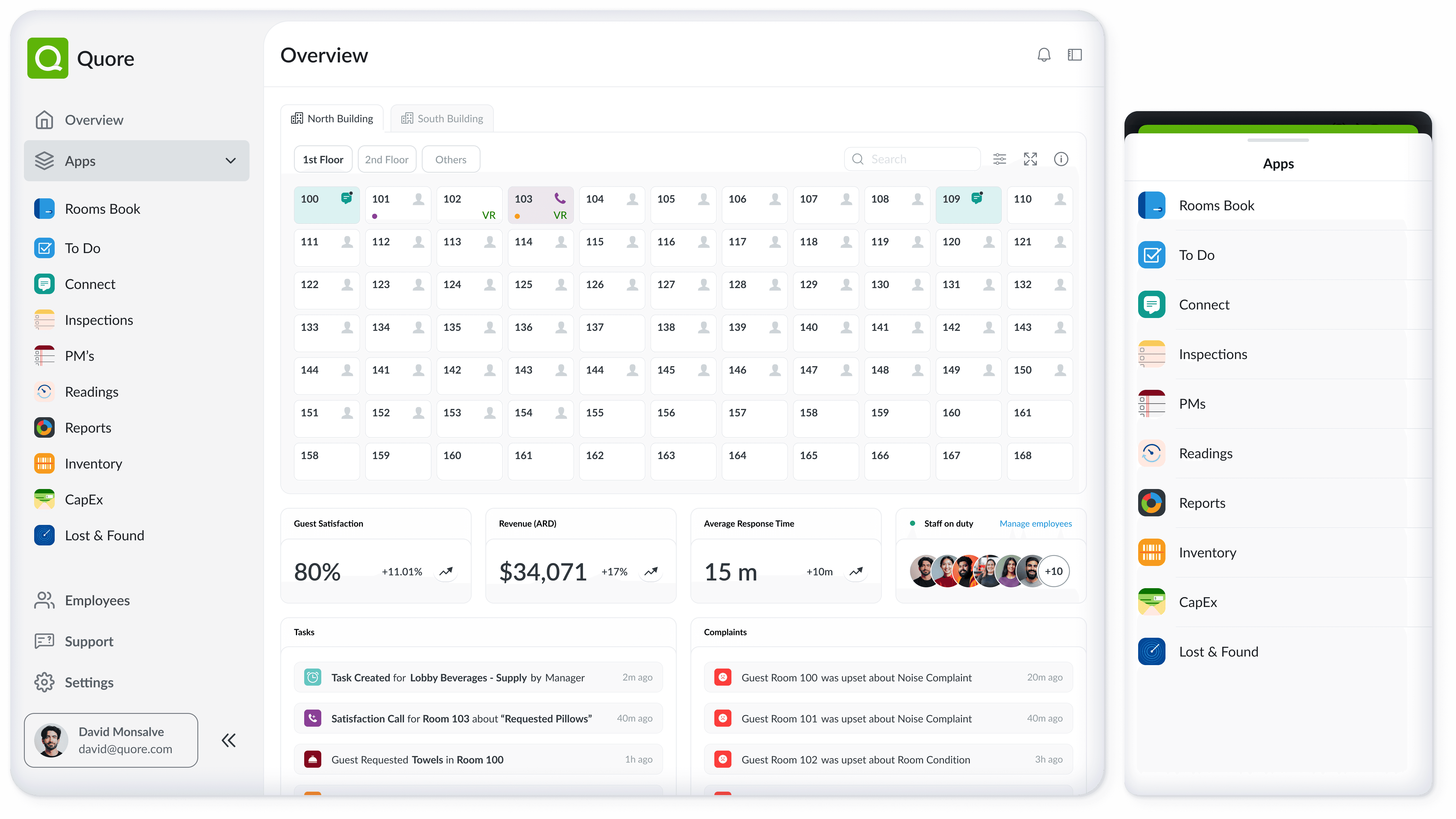
and other supporting apps, as well as Native mobile shell (login, navigation, settings) and Product tours, banners, and motion-based guidance.
The focus was on improving clarity, reducing visual noise, and creating a more cohesive experience across the platform.
Outcome
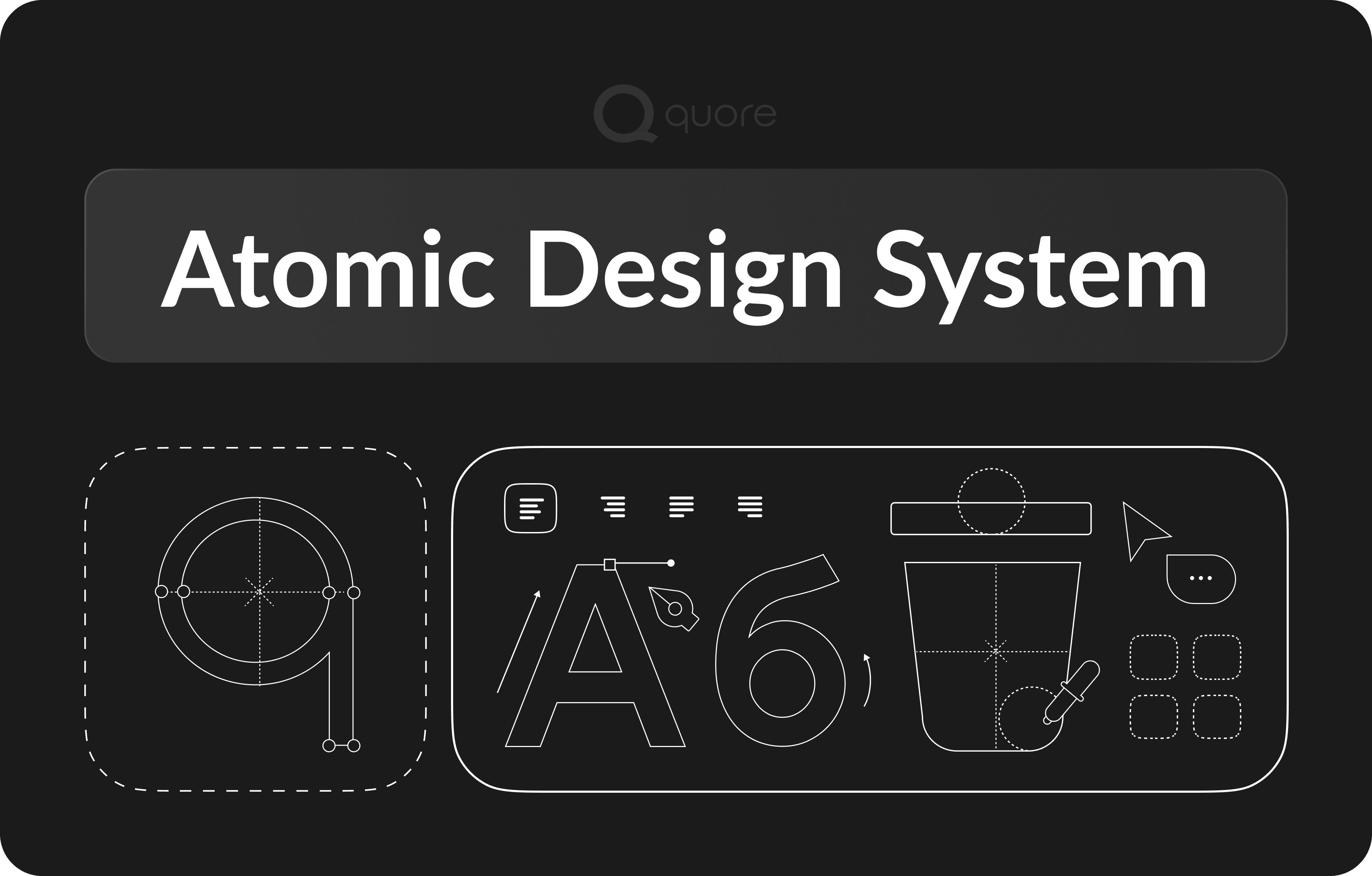
Creating of an Atomic Design System, Quore scalable foundation and only source of truth.
Improved visual and behavioral consistency across products
Reduced ambiguity when switching between apps
Faster design and development cycles due to reusable components
Lower fragmentation across teams working on different products
Supported scalability, new features without introducing unnecessary complexity
The platform evolved from a collection of growing tools into a more unified operational ecosystem.
100+
Components
20+
new features
20M+
revenue after (first year)
4,800+
new customers
Reflection
This work reinforced the importance of designing at the system level. Optimizing individual screens creates isolated improvements. Strengthening shared patterns creates leverage across the entire platform.
Introducing systemic change in a live, multi-product environment required restraint and sequencing. Alignment was achieved through incremental adoption rather than disruption.
By focusing on clarity, constraints, and scalability, the platform evolved in a way that supported long-term growth while remaining reliable for teams performing critical, real-time operations.